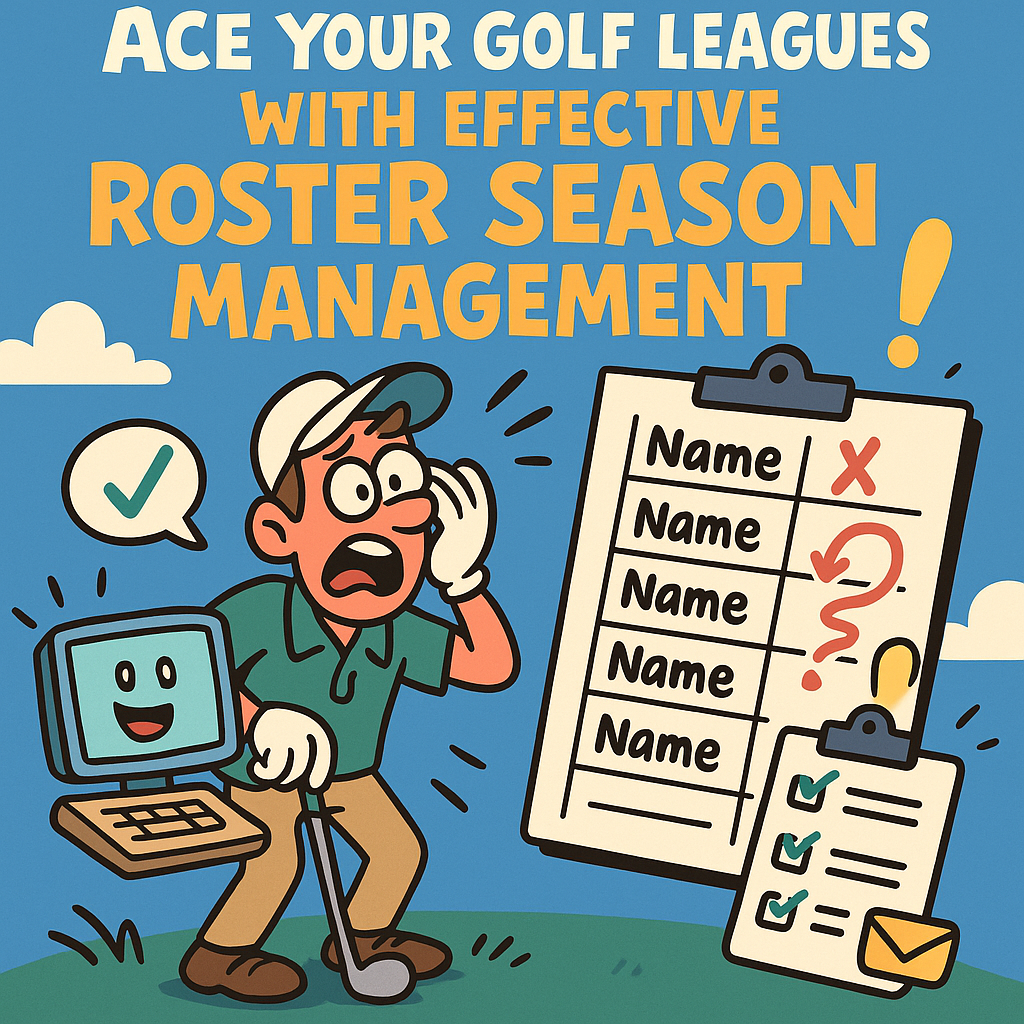
Ace Your Golf Leagues with Effective Roster Season Management
One of the most challenging aspects of managing a golf league can be handling the season roster. Between dropouts, new additions, scheduling conflicts, it's easy for your meticulously planned roster to turn into a confusing mess. But fear not - with thoughtful preparation and the right tools, managing your golf league's roster can be a breeze.
Understand the Realities of League Management
Before diving into specific strategies, it's crucial to understand the realities of golf league roster management. First, expect changes. Life happens, and people will inevitably have to miss games due to scheduling conflicts, health issues, etc. Flexibility is key in managing your roster successfully.
Use a Golf League Management Tool
Thankfully, the digital age has gifted us numerous programs and apps designed specifically to help with golf league management, one of which is Golf Games Keeper. This tool goes beyond simple roster management, providing features for collecting payments, assigning handicaps, scheduling matches, and much more. It can be a real life-saver for already-busy league managers.
Stay Organized and Communicate
Organization and clear communication are paramount. Use an easily accessible, commonly used platform like Google Sheets to track attendance, performance, and other important information. Also, use email or a group chat app to send regular updates to your players, especially if there are changes to the roster or schedule.
With a bit of organization, the right tools, and clear communication, effectively managing your golf league's roster throughout the season doesn't need to be as vexing a task as it first appears. So, ace your golf leagues with powerful yet user-friendly tools like Golf Games Keeper, and keep your golf leagues smooth sailing throughout the golfing season.
JF BertrandGolf Games Keeper